Hi there,
When trying to edit a model record by clicking on it from within a Multiple Links References field, we get a modal error saying:
Permission denied
Your account does not have enough privileges to access this area

However, editing the exact same record from the left-side menu
(Content → [Model Name] → Record list) works perfectly fine with the same user account.
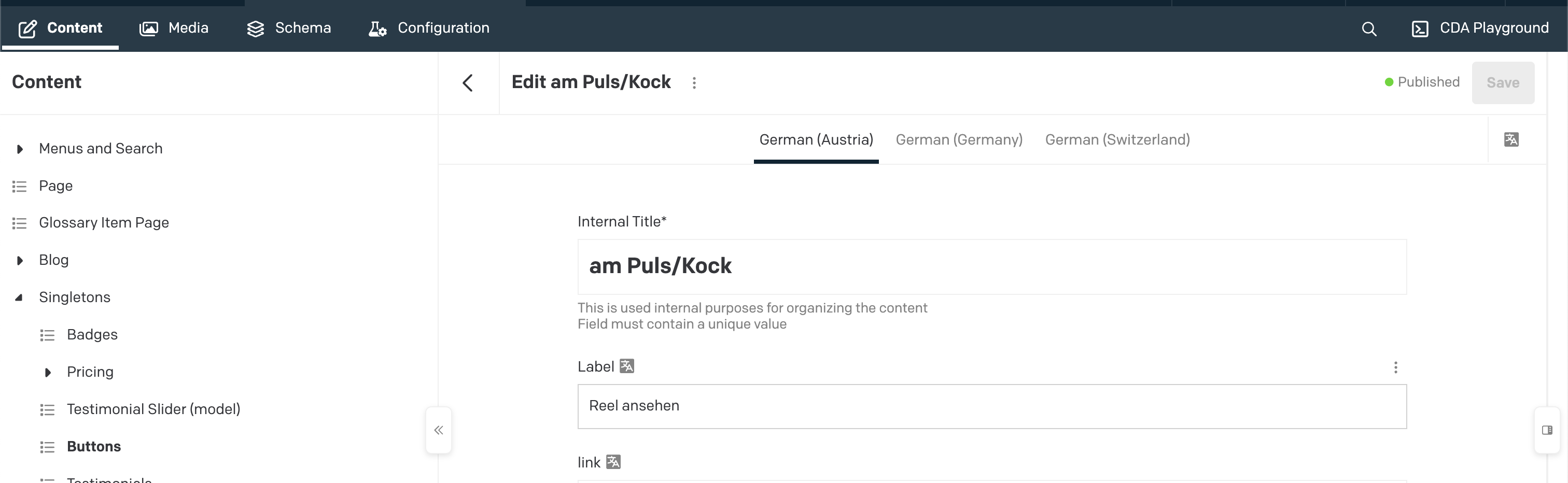
So the permission issue seems to occur only when accessing the record via a Links/References relationship, not when accessing it directly through the model’s record list.
We’ve double-checked:
-
The user has edit permissions for the model
-
The record itself is editable
-
The same account can open and edit the record via the standard record list
-
We tried with different users with different permissions
This suggests there may be a permission or role mismatch specifically related to how records are accessed through Links/References fields?