Would you be able to give information on how the search works in a compact view i.e how it determines what results to bring back and what the search term that inputted is related to.
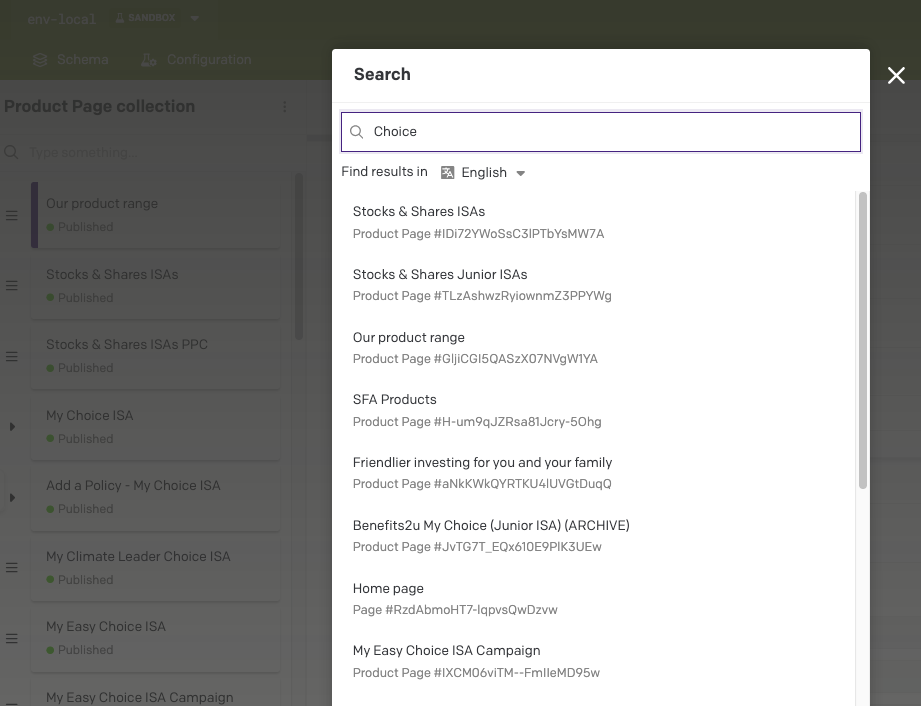
For example in the below image I have entered the word “Choice” and the results it has given back. I am unsure on how it determined to bring back these results.
Hello @sysadmin_sfa
The modal you’re using is Quick Search. It searches across your whole project and can be opened from the magnifying glass or with Cmd+P or Ctrl+P.
Under the hood, the UI calls the Content Management API’s records endpoint with a textual query. That query scans the textual content of each record (across all models), including text inside nested block records, and it respects the locale you pick in the dropdown. If a locale is not specified, it defaults to the environment’s main locale. Results are returned ordered by relevance and shown in that order. That’s why typing “Choice” can surface records from different models where that word appears in any text field for the selected language.
If you need predictable ordering or field specific filtering, switch that collection to the Tabular view and use column filters or sort there. Compact view shows results by relevance, while Tabular view lets you sort after searching.