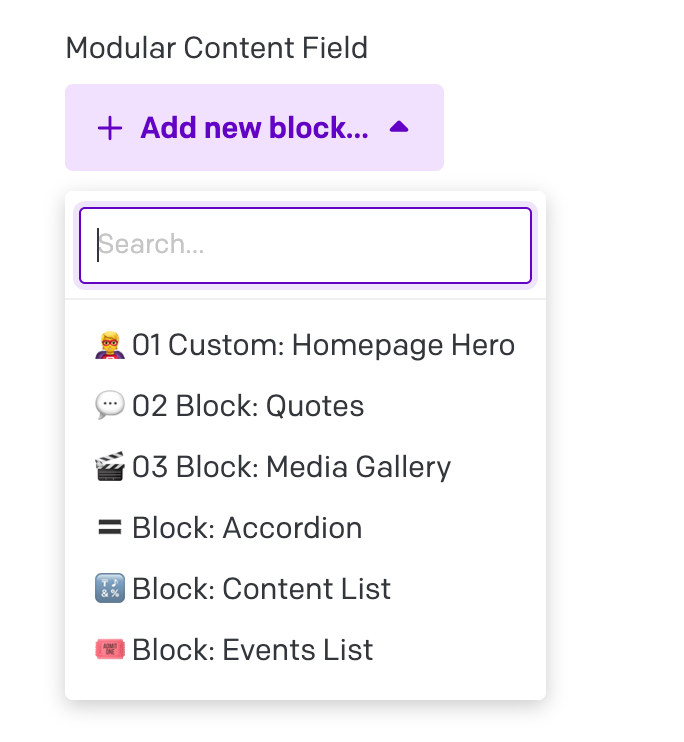
When you have a modular content field, you can choose which blocks are allowed in it:
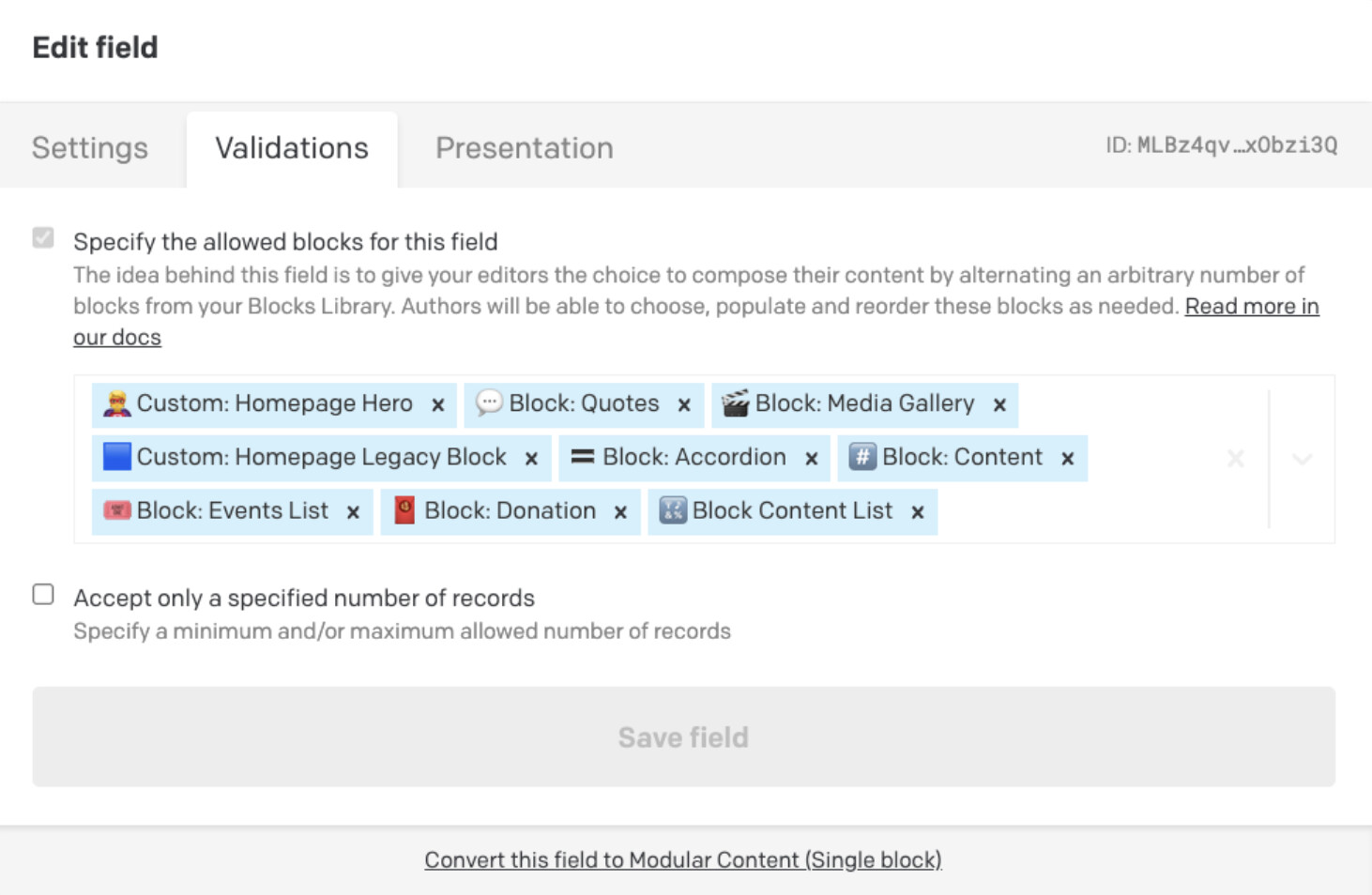
Those blocks can be dragged and ordered at will.
However, once you use them in the actual field editor, they show up alphabetically, no matter how they were ordered in the schema Validations tab:
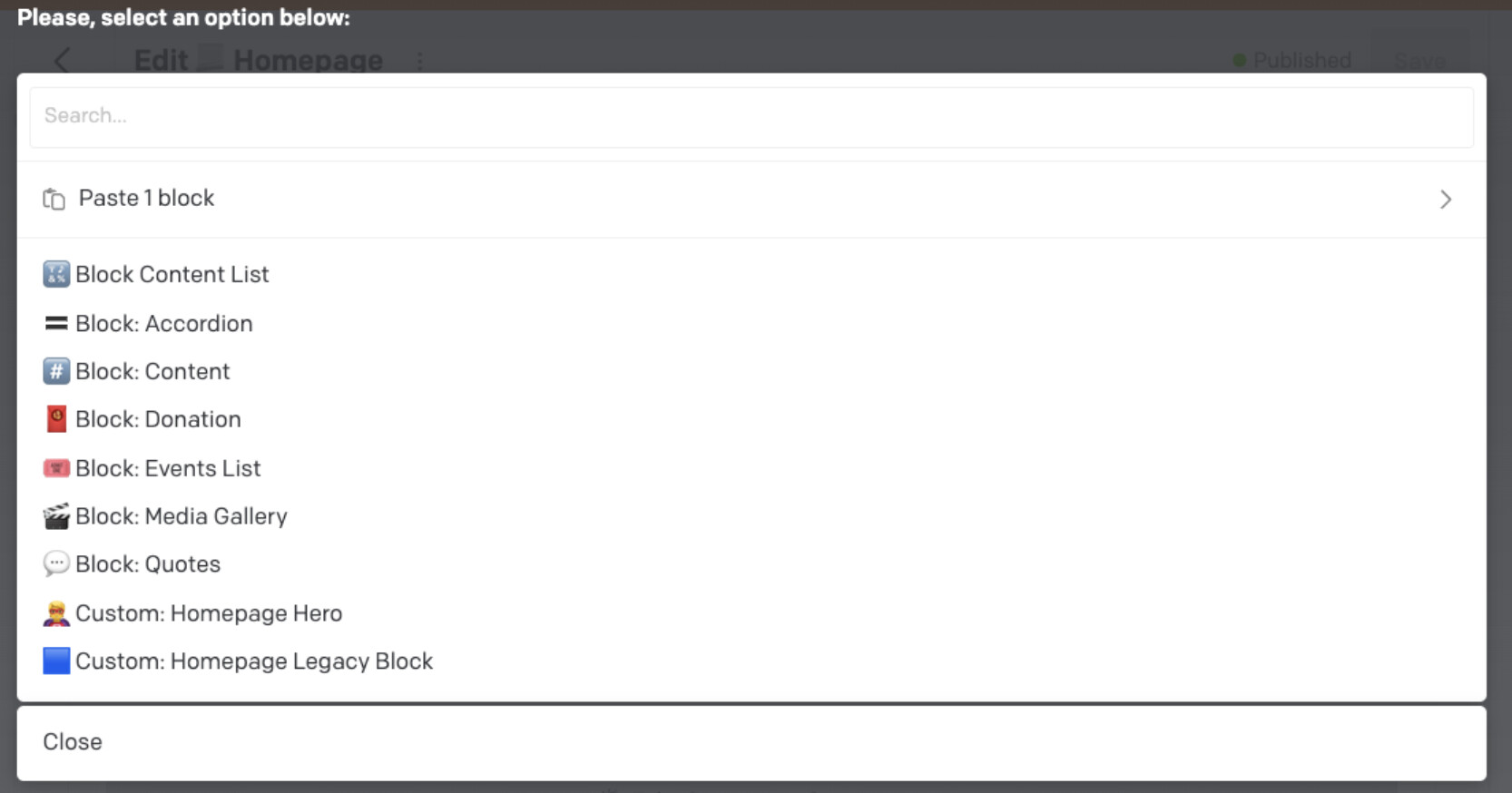
For example, 🦸♀️ Custom: Homepage Hero was the first block in the schema editor’s Validations screen, but second to last in the field editor dropdown.
It would be nice if, as an option, the UI could choose to show them in the user-defined order instead of alphabetically.