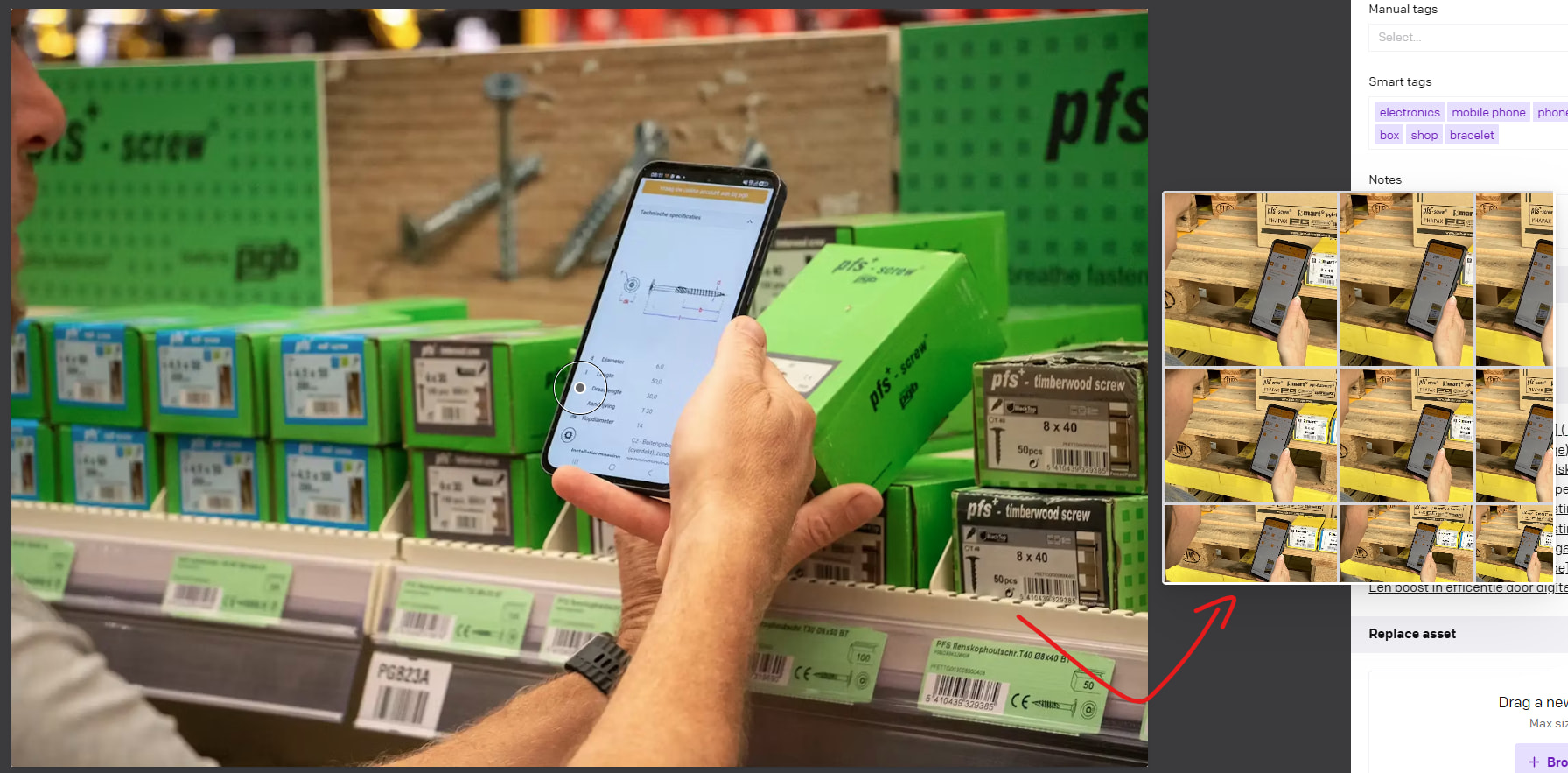
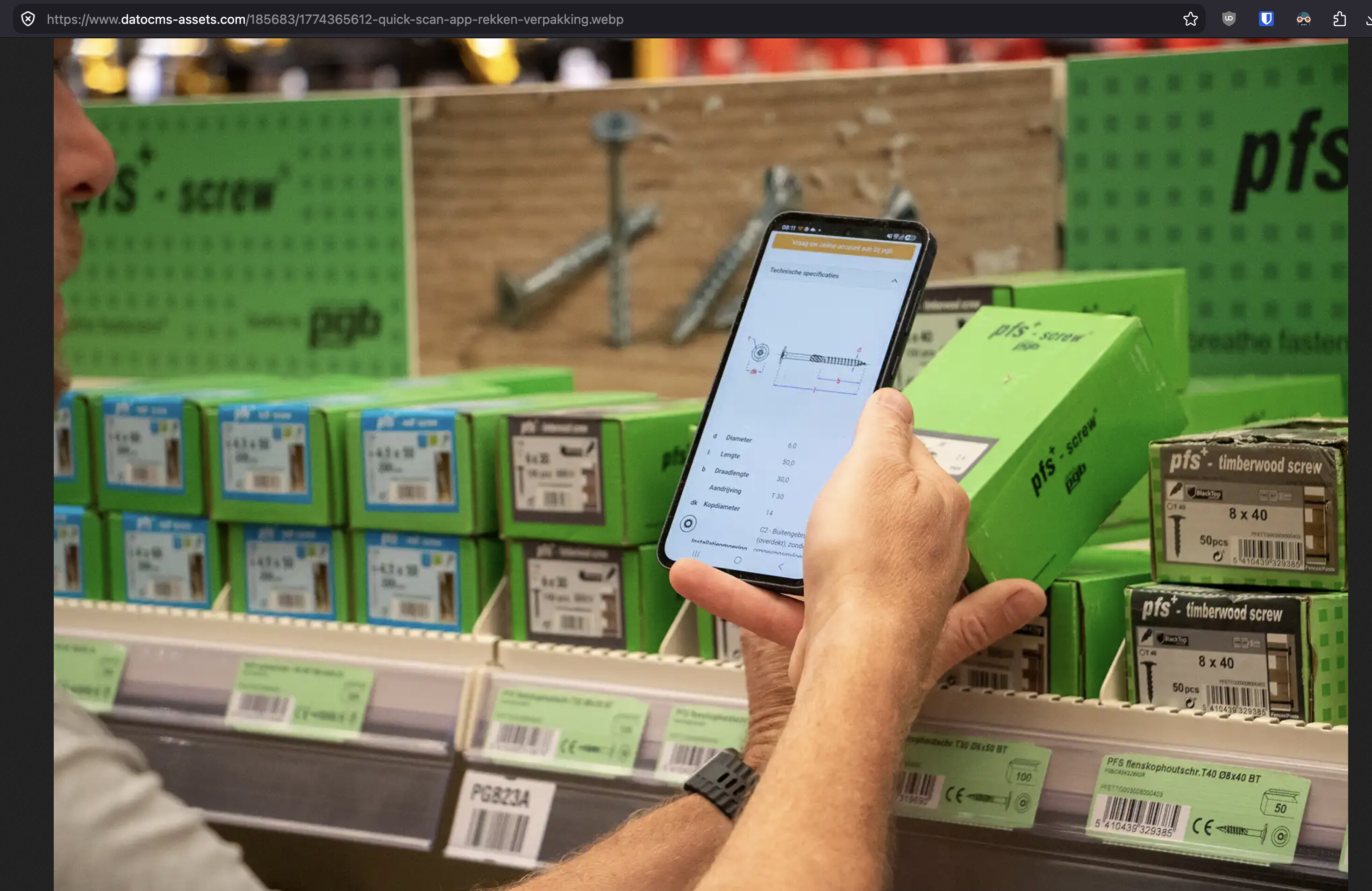
The blurry dataset (using imgix) actually shows the new colors (greenish) but the resulting source, after replacement within the component, shows the old asset.
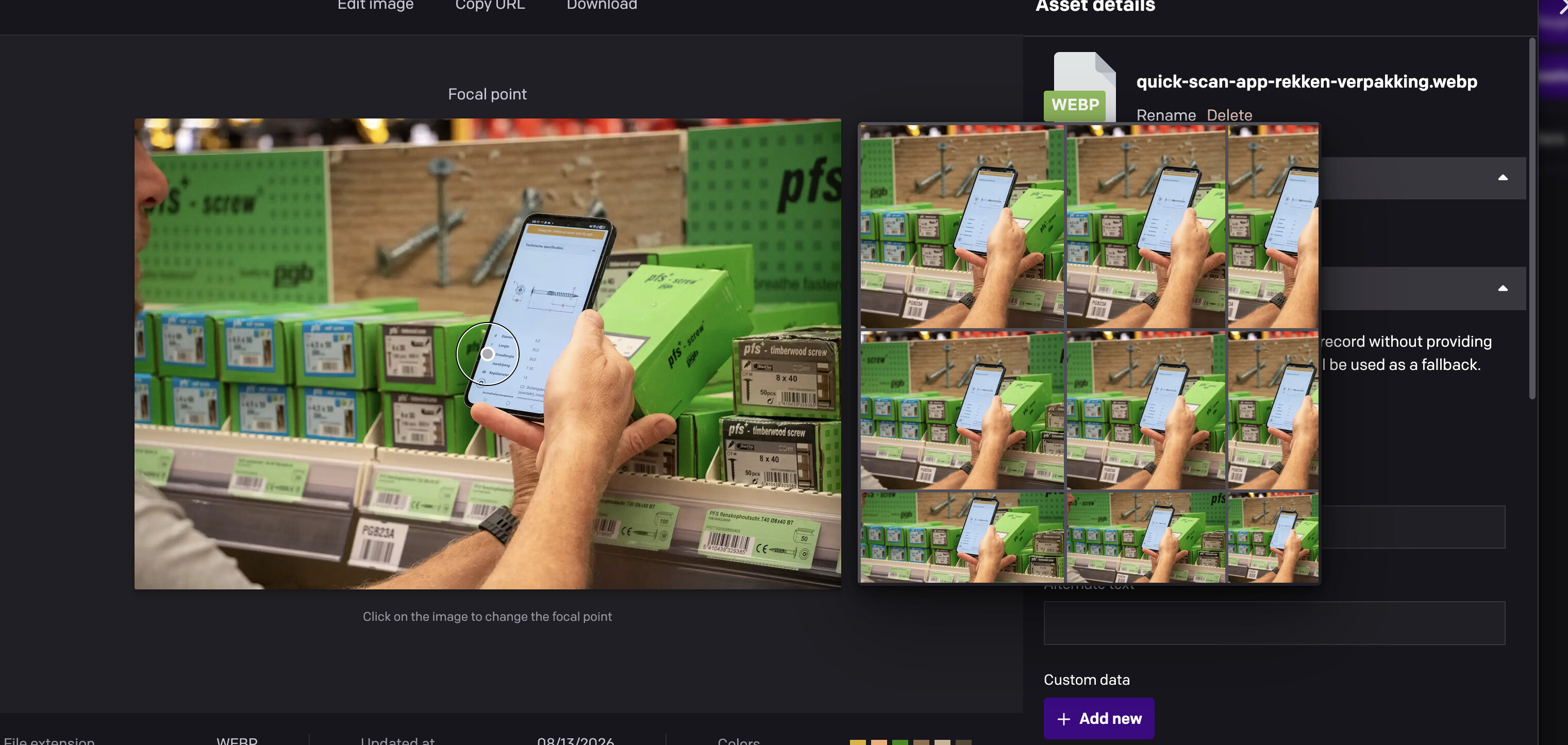
Also, when you hover over the asset to choose a new focal point, the appearing modal is showing the old version so the issue is not only limited to our front-end (see 2nd screenshot).
Does this happen to you frequently/consistently? If so, can I ask which part of the world you’re in (so we can see if it might be a regional network thing related to our CDN)?
Normally, if you replace an asset and keep the original URL, our CDN needs a bit of time (maybe like 30-60 seconds, typically) to invalidate the cached version and replace it with the new one. We try to accommodate for this already, but maybe there are some conditions (like certain edge nodes in certain parts of the world, or perhaps a certain browser configuration) that may cause the cached version to stick around longer than expected.
If you wait a min or two and then hard refresh the asset page again, does it show the new version then?
Please have your customer’s editor check again, and if it still shows the old yellow version, please ask them to “hard refresh” their browser to clear its local cache.
Meanwhile, I will try to see if I can figure out if a specific bug caused this, or if it was just an random invalidation fluke… (sometimes, very rarely, the CDN fails to properly invalidate an image and keeps serving the stale version). If you notice any other images “stuck” like this, please let us know.
But for now, that one image should be correctly “refreshed” with the latest version. Sorry about that!
I tried to replicate this (hoping it was a webp-specific issue) but could not. If you notice any additional instances of this happening, please do let me know and we’ll keep investigating.
I also asked the devs if we could provide the manual invalidation functionality directly in the media area, in case this happens again to you or anyone else. (Right now, a manual cache clear requires support intervention. Letting customers do it for their own assets would make it easier/quicker to resolve the “stale” images on your own, in the rare cases they happen.) I’ll update this thread if we’re able to add that.