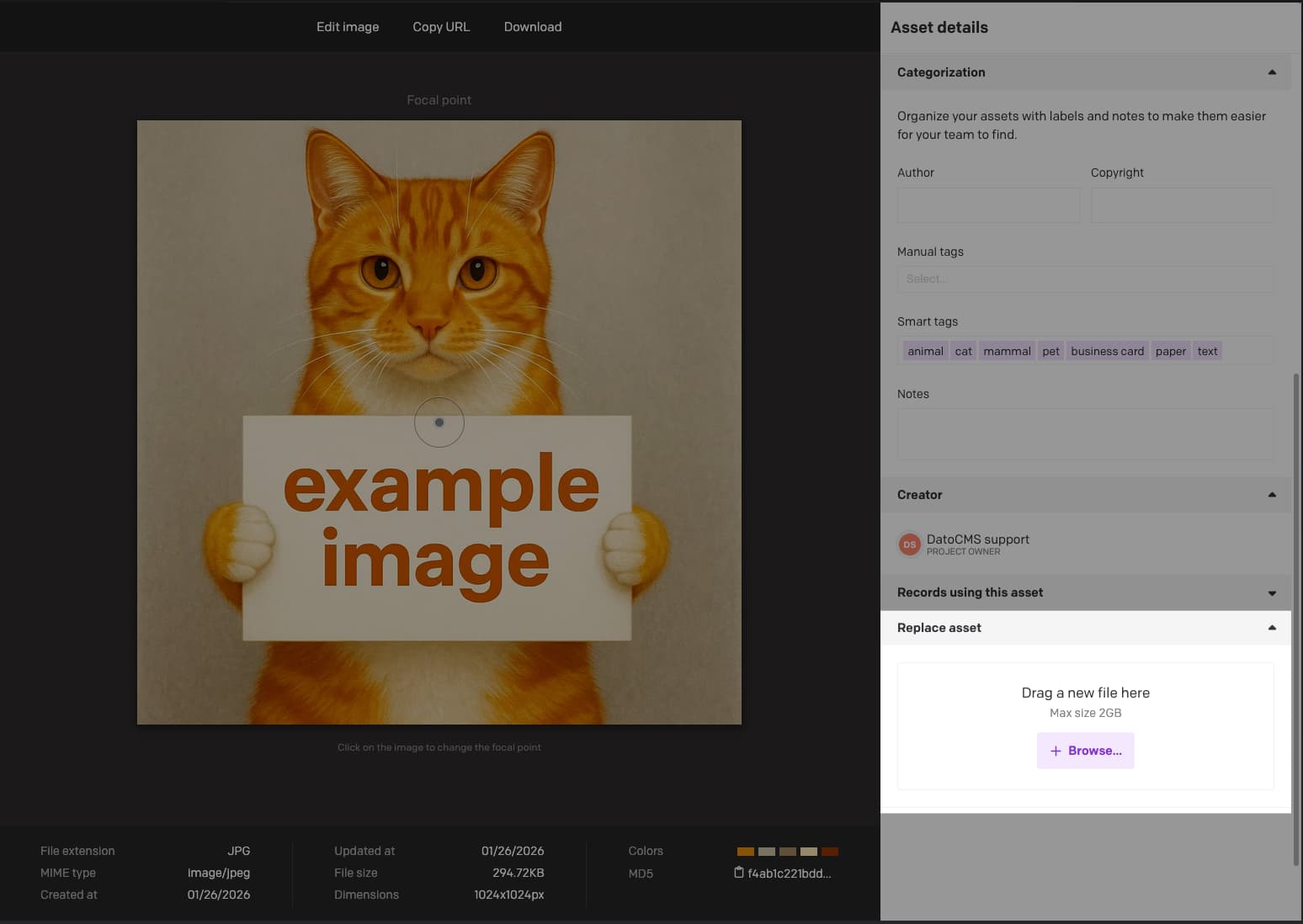
thanks for launching the new “keep existing URL” feature when replacing the file of an asset. But do I see this correctly that the associated records are updated with the new URL but that there is no Publish event triggered for them?
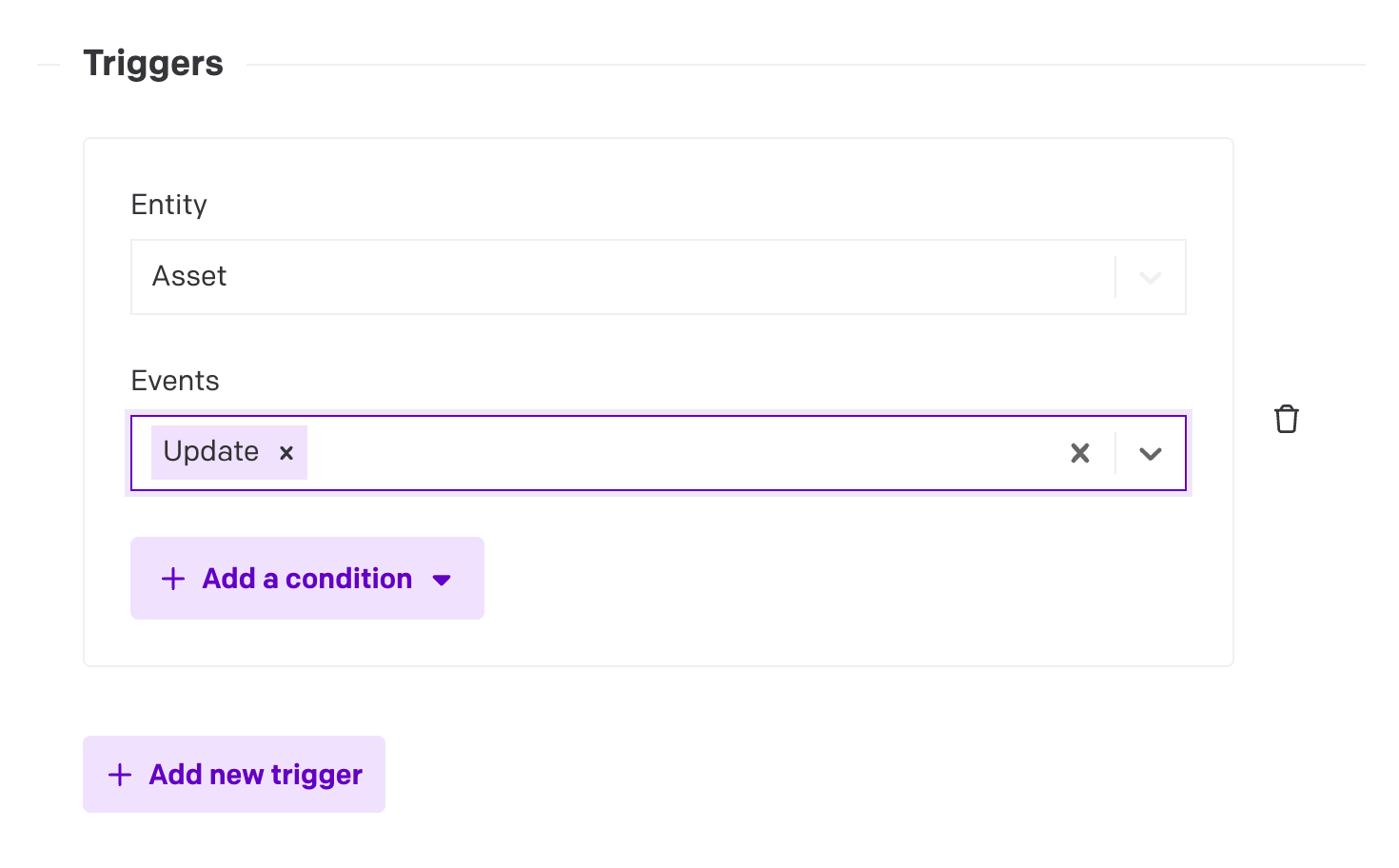
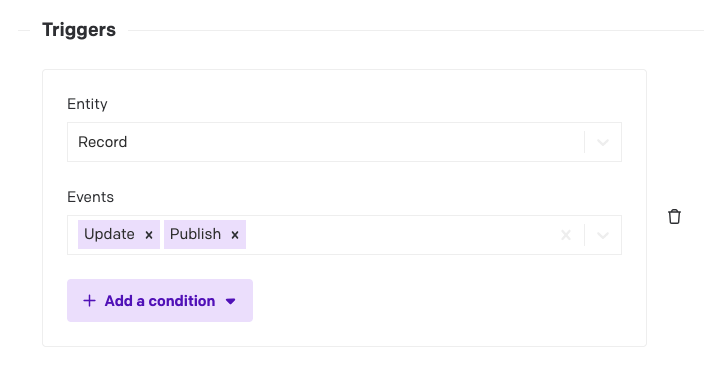
I am asking because we are maintaining redirects to assets in a collection. Then there is a webhook for create, update, delete, publish of records in this collection that revalidates the Next.js cache tag for the redirect. I notice that the webhook is not triggered when the URL is updated by Dato. Is this a known issue?
@m.finamor yes exactly, none of the events is triggered on the redirect record. But the URL on the redirect is actually changed when the asset is updated. I thought this is the new feature you released 10d ago? This one here: Replace assets without breaking existing URLs — DatoCMS
The behavior I see is the following:
Redirect record has two single line strings: “From” for the relative URL, e.g. “/my-redirect”, “To” for the target URL, in this case the assets URL
Asset is replaced with the “keep existing URL” setting
The “To” field in the redirect is replaced with the new asset URL. This is done by Dato but it does not trigger any of the webhook events and it is not saved in the records edit history
We had this issue in the past where the record was NOT updated when the URL changed. We can design around this of course but it would be a bit easier to just use this new feature of yours
Can you send us an email at support@datocms.com with the URL of the asset in question as well as a screen recording demonstrating step by step the issue you are having?
The URL of the asset should not change when choosing “keep existing URL” so the screen recording can help us reproduce and take a look at this issue.
So is the issue that the record doesn’t update even if the image was replaced in the media area…?
If so, I can see this being an issue because:
If you keep the same URL (but the underlying image changes), then in some setups this will be fine (like if your webpage uses the datocms-assets.com URL directly). In other caching systems (that maybe cache their image on their own and depend on record webhooks to update them, for example), they will never know that the image changed.
If you replace the URL, the problem is similar but even more complex: Existing cached frontends won’t know that the page changed, so it’ll keep linking to the old URL. It needs to query the CDA again to get the new URL, but it doesn’t know to do that since the record was never technically changed — its link to the image ID stayed the same, even though the image URL changed. That’s a disconnect between the record schema (which references by ID) and the CDA (which “resolves” the reference and returns its new URL) and the webhook system (which doesn’t send out a record-level notification even though the linked image URL changed).
I can see how that would be an issue in some cases… let me report this to the devs for you and see what they think. But please also let me know if I still misunderstood your use case here.
Thinking about this some more… I should note that this behavior isn’t new or the result of the “keep existing URL feature”.
When you have an image field inside a record, that has always been a link to its ID, not an embedded copy of that image — if the link doesn’t change, the record doesn’t change, even if the actual image data changed.
Even before this feature, that has been the case. The same thing would happen if you:
Edited image metadata (title alt/text)
Used the image editor to make changes to it
Updated another linked record instead of an image
In any of those cases, the linked from record does not change, because the underlying reference did not change even if the linked data did.
If you need to detect relational data changes like that, that’s what our cache tags systems and the invalidation webhooks are for: Cache Tags — DatoCMS
A “on record update” webhook isn’t smart enough to know when linked data changes, only when the link reference changes (i.e. you select a different image or record altogether).
Does that help explain what’s going on here…?
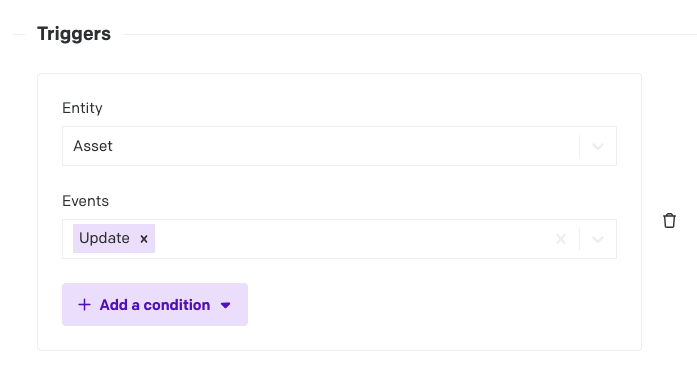
For these purposes, either you can use our cache tags (but see implementation notes for Next.js specifically: DatoCMS Cache Tags and Next.js — DatoCMS), or you can just add “on asset update” as an invalidation input to your existing system. The cache tags are more powerful but also more complex.
Also, if you just keep the existing URL and your frontend is directly using datocms-assets.com images anyway (instead of caching them again in Next/Vercel), then you probably don’t need to make any invalidations or changes at all. The CDN should auto-expire after a few minutes and visitors should see the new images soon.
Thank you for the detailed explanation and I want to apologize for causing all of that discussion. It appears that I didn’t observe correctly. What I thought was happening:
when replacing an assets file in the media area, the URL still changes due to requirements from your underlying CDN
but you work around that by doing some search and replace operations across the entire content, replacing every mention of the old URL with the new one
But now with another test I do not see any hardcoded asset URLs changing anymore. Not sure why I thought this in the first place.
So thank you again and sorry for causing the trouble!
No worries! The changing URLs was how our system used to behave in the past. The feature we just added was what allowed them to stay the same, hopefully making this situation less of an issue going forward
Let us know if you do find other issues with it, but otherwise, hope it’s all good for now!