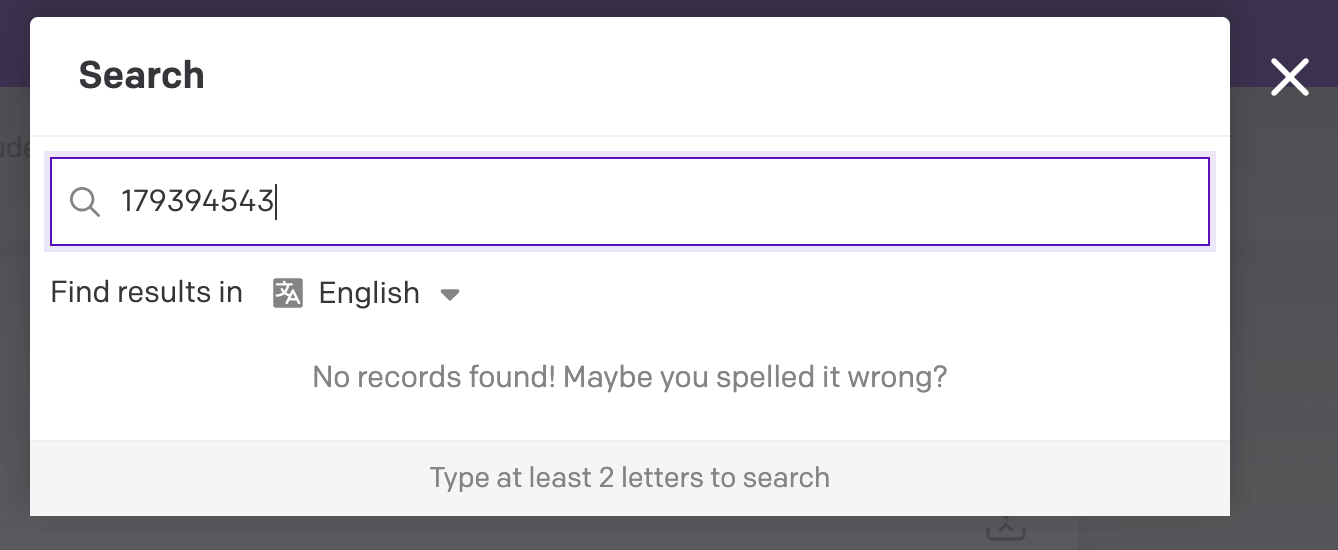
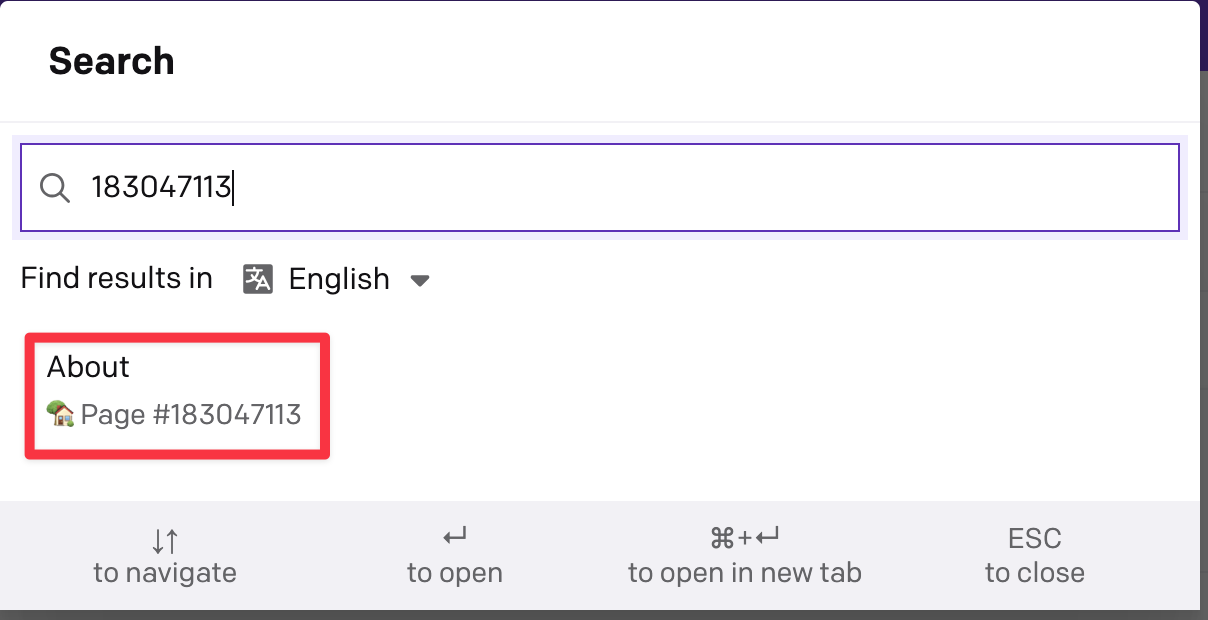
I agree strongly with this. I find that, as a developer, you often want to move between code, data and UI and being able to easily navigate to a record by ID (or even model) would be very useful.
Example use case: I’ve downloaded all content from DatoCMS and is searching it for something (real case: find invalid usage of quotes it´s instead of it's). The result is a bunch of IDs that I’d like to easily navigate to.
Bonus point if there was an action in your CLI tool for opening the web page. Then you could do things like grep … | parallel datocms ui to open a window for each ID. We do this for another system which has its own cli tool and it is very useful!
We’re investigating this to see if it’s something we can easily implement. Will report back on progress.
In the meantime, for this part at least:
Not in the CLI, but depending on your shell, you should be able to do some variant of grep ... | parallel open "https://yourproject.admin.datocms.com/editor/item_types/ITEMTYPE/items/ID" to open that in your default browser.
If you need to parse through the response JSON to get the itemType and itemId, something like jq should help. For an example CMA items response, something like this should work:
# Replace YOURPROJECT in the URL with your project name and ITEMS.JSON with your filename (or pipe it from a CLI command)
jq -r '.data[]|select(.type=="item")|"https://YOURPROJECT.admin.datocms.com/editor/item_types/\(.relationships.item_type.data.id)/items/\(.id)"' ITEMS.JSON \
| xargs open
That’ll parse an array of items (records) and open each one in a tab.