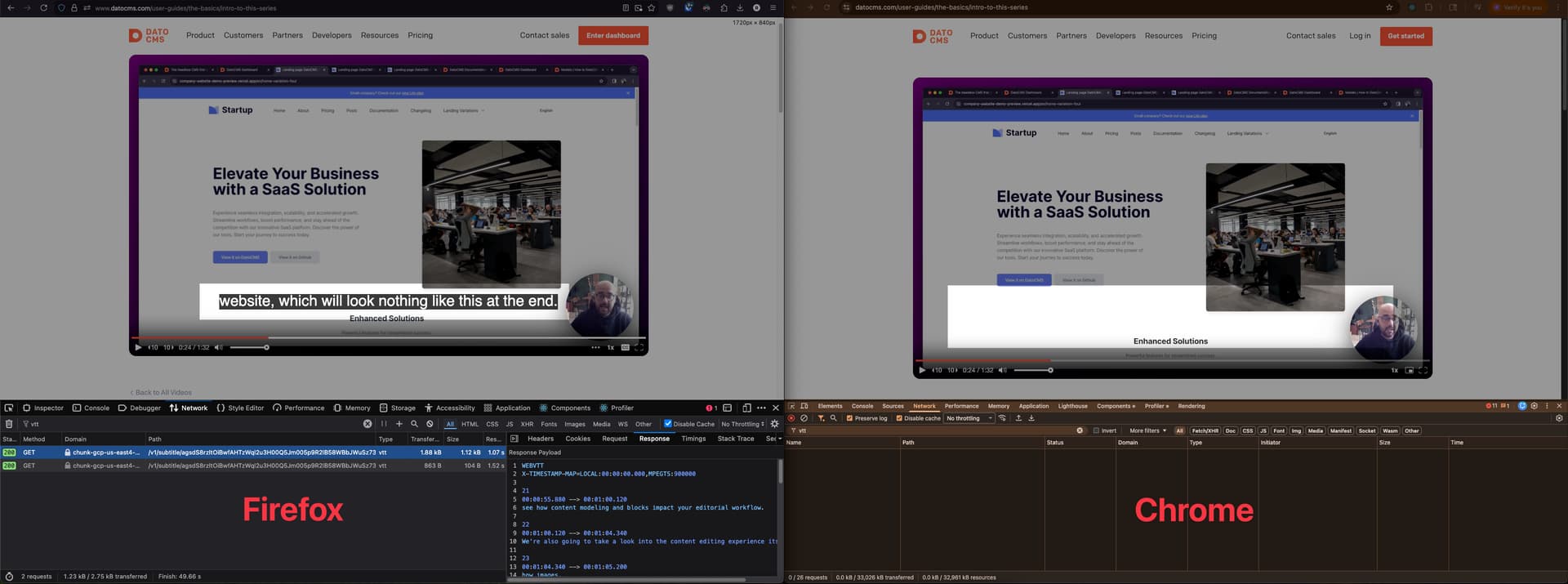
Having issues with my clients site in the video player specifically in Chrome Desktop.
Using the snippet below in both Chrome and Firefox, the video loads and plays but only in Firefox can I see the subtitles. Extra weird is that I can see the subtitles in Chrome Mobile but not Chrome Desktop.
If I inject the tracks element manually, I see the CC button appear in chrome desktop and it works. but it never loads automatically
    const onPlayerReady = () =>
    {
        const player = document.querySelector("mux-player") as any;
        if (!player) return;

        const tracks = player.textTracks;
        const isManualTrackMissing = !Array.from(tracks).some((t: any) => t.kind === "subtitles");

        if (isManualTrackMissing) {
            console.log("subtiles missing")
        }
    }
only on chrome Desktop do I ever see “subtitles missing” printed. Even though they both seem to grab the correct manifest (when I check in network tab)
utterly baffled? can only assume its a CORS or CORB issue but I cant see that kind of error in the network tab.
its a “create-react” app but i have see the same problem in my (on branch) remix version so im fairly sure its a bug in the react datocms video player specifically
Chrome doesn’t even seem to be trying to load the captions (the .vtt file) — it doesn’t show up in the network inspector at all, blocked or otherwise. How strange.
Let me report this for you and I’ll let you know once we find a fix. Sorry about that!
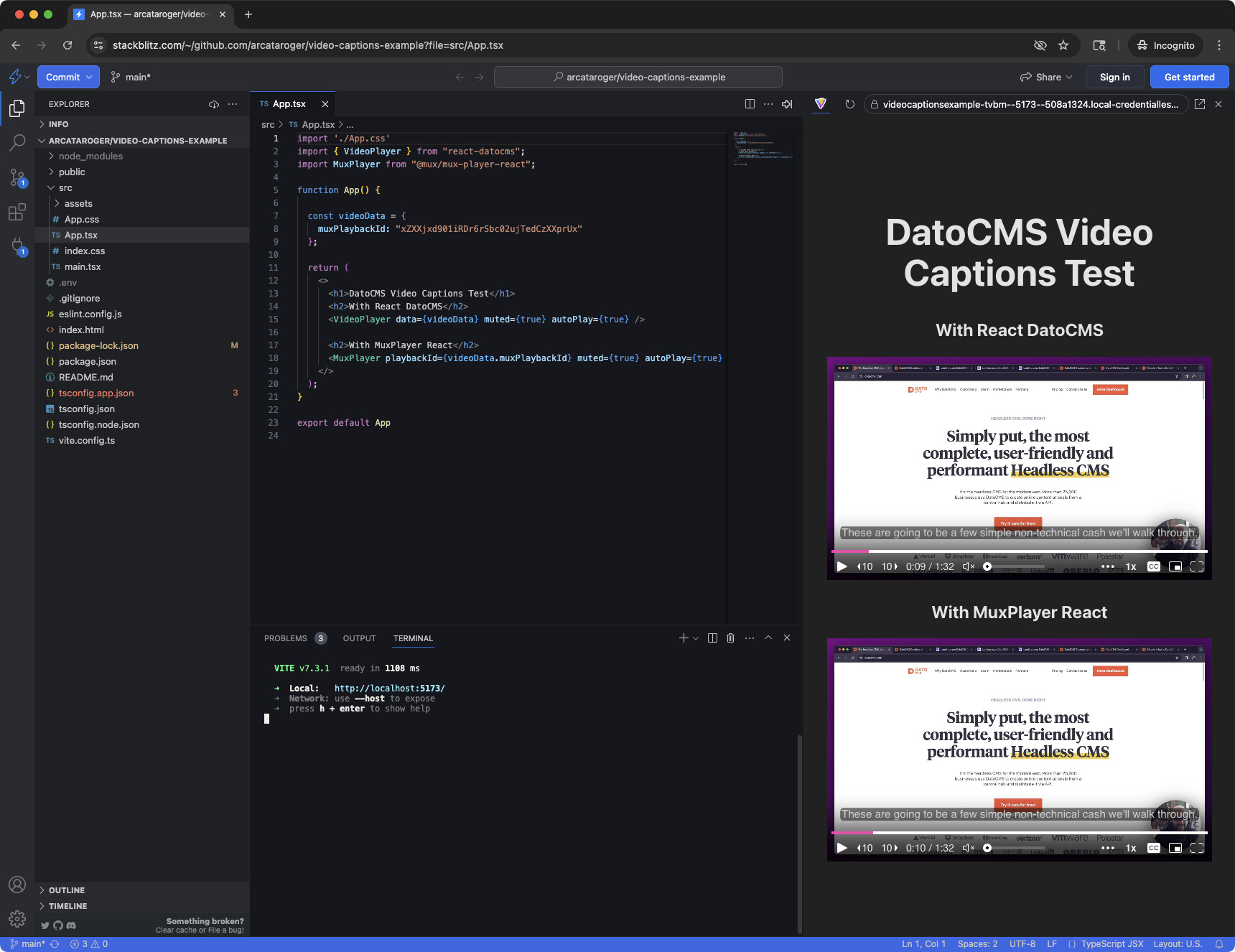
In my limited testing, it seems like this might be a bug related to how we import the upstream Mux Player.
I’m discussing this with the devs more, but as a workaround for now, this is what worked for me:
In your package.json, add "@mux/mux-player-react": "^3.11.4" as an explicit dependency
Run npm install and see if the captions work now in Chrome
If not, try deleting your entire node_modules folder and run npm install again to make sure you only have that one version of @mux/mux-player-react on disk
In my tests, that fixed it on older repos. Apparently we are not directly including a specific version of mux-player-react, and some older versions had that subtitle bug on Chrome. Adding the latest as an explicit dependency seems to fix it.
I’ll let you know if we find some other way of addressing this too.
Thank you so much for this! it was driving me mad.
After tweaking my package.json, deleting my node_modules and running NPM install I can confirm that the closed captions are back on chrome desktop! thank you so much!
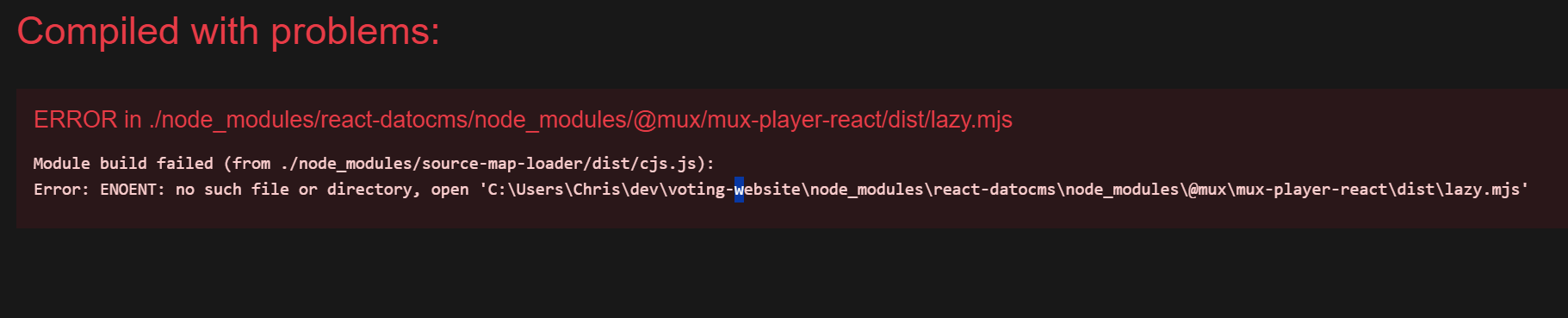
FYI before I deleted the nuget packages, I was getting this error:
Perhaps the root cause has something to do with lazy loading only being properly respected in chrome, but the package was missing? and perhaps the vite template has said package pre-installed by default? Not sure, I’m happy with the fix for now. Just wanted to share the info in case its still causing some mysteries that need solving
But the solution in the end turns out to be basically what you’ve already done (declaring an explicit version of mux-player-react as a dependency). You can upgrade at your leisure.
Thank you and sorry about the delay in answering here! It fell through the cracks — my bad on that!
No worries at all @roger , the work around is still working fine and i’ll update next time i get chance thank you so much for your help and thank you for the updated