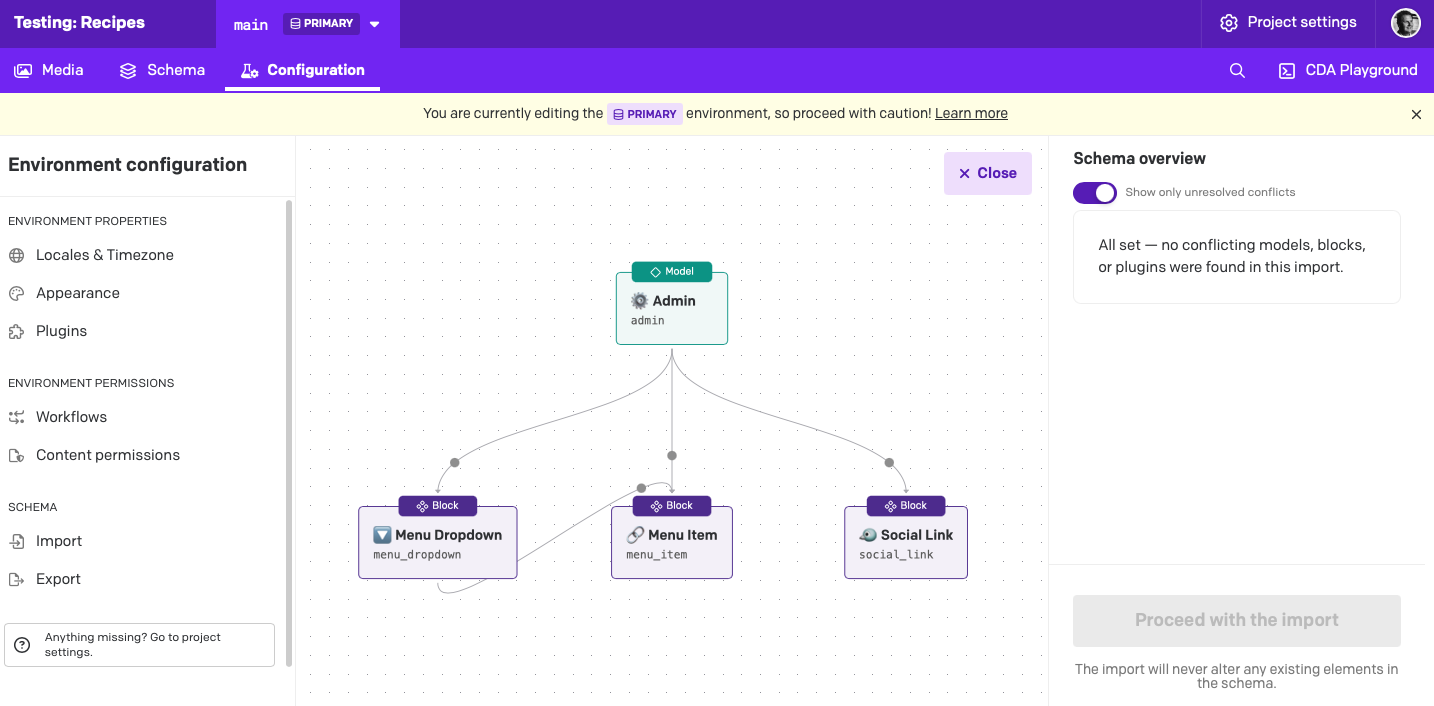
I’m trying to see how recipes work, so I spun up a new project, installed the “Schema Import/Export” plugin, granted the permissions for which it asked, went to “Import Recipe into Project” in Marketplace/Recipes (I tried multiple), and selected my new project.
But then … there’s nothing to do. I takes me to the “Configuration” tab, with a pretty picture of a schema, says there are no unresolved conflicts, but the “Proceed with Import” button is grayed out. What am I missing here?
Clicking the “Close” button warns me that I’m cancelling the import. Toggling the “Show only unresolved conflicts” opens/closes the schema overview, but doesn’t give me anything else that’s clickable. Clicking “Import” in the left sidebar doesn’t do anything. Inspecting the page doesn’t show any errors, so I don’t think some button is failing to render or something.
I’m sure this is something simple, but … I can’t find any docs, and don’t know what it could be